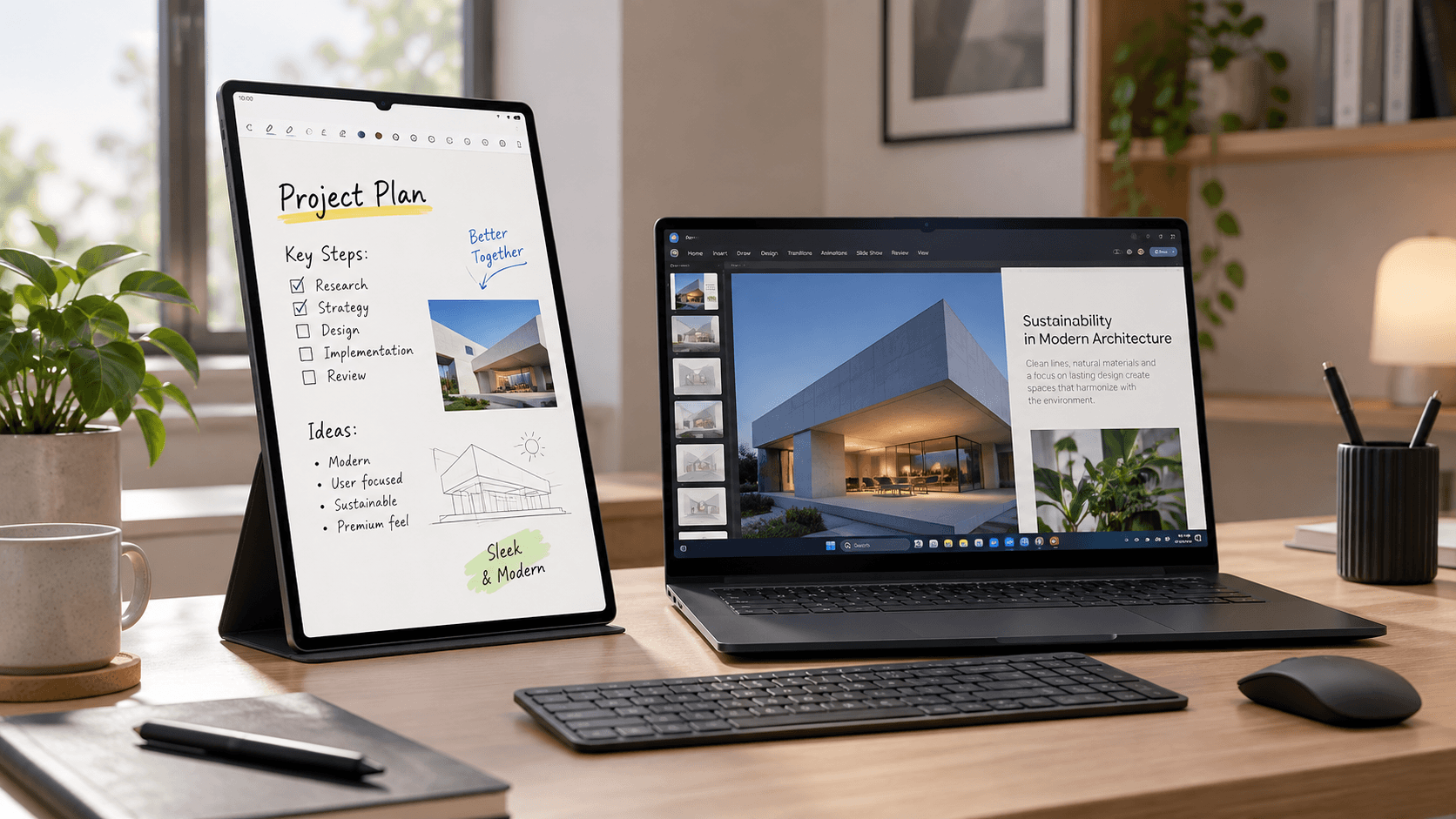
Using Samsung's stock wireless Second Screen feature on the Galaxy Tab S9 Ultra introduces noticeable 70ms input lag and caps refresh rates at 60Hz, but switching to a wired USB 3.2 pipeline via SuperDisplay unlocks a native 2960x1848 resolution running at a buttery-smooth 120Hz with precise S-Pen pressure support.
The Samsung Galaxy Tab S9 Ultra blur the lines between tablets and external portable monitors. Its sprawling 14.6-inch Dynamic AMOLED 2X panel is larger than many ultrabook screens.
- Display Dimensions: 14.6-inch panel with 16:10 aspect ratio and 2960x1848 resolution.
- Refresh Rate: Dynamic 120Hz refresh rate with HDR10+ support.
- Processor Spec: Qualcomm Snapdragon 8 Gen 2 for Galaxy platform.
- Stylus Capability: Bundled Wacom-powered S-Pen with 4,096 levels of pressure sensitivity.
The physical screen real estate is incredible for reading PDFs or editing media alongside a main computer.
Samsung includes a native Quick Panel toggle called "Second Screen" for Windows pairing. However, Wi-Fi Direct streaming creates frustrating performance limits during daily work.
- Input Latency Spike: Measured wireless delay between 65ms and 90ms.
- Cursor Stutter: Mouse pointer movement feels heavy and stutters across screen borders.
- Refresh Rate Lock: Capped strictly at 60Hz over local Wi-Fi connections.
- Image Compression Artifacts: Color banding visible around dark text blocks.
Attempting to draw or take handwritten notes in Photoshop via the wireless connection was virtually impossible due to stroke delay.
To bypass wireless bandwidth constraints, replace native Wi-Fi streaming with the SuperDisplay utility. It turns the USB-C port into a direct display driver interface.
- Utility Name: SuperDisplay (available via Google Play Store and Windows driver installer).
- Connection Protocol: USB 3.2 Gen 2 Type-C cable (10 Gbps data throughput).
- Configured Resolution: Native 2960x1848 pixels mapped 1:1.
- Configured Refresh Rate: Native 120Hz high frame rate mode enabled.
- Measured Latency: Drops down to an imperceptible 8ms to 12ms.
Dragging windows between my Windows laptop and the tablet screen feels instant with zero visual trailing.
One huge advantage of using the Tab S9 Ultra as a monitor is turning Windows into a touch-enabled creative graphics tablet. SuperDisplay translates Wacom digitizer signals directly into Windows Ink.
- Windows Ink Integration: Full support for Photoshop, Illustrator, and OneNote stylus tools.
- Pressure Curve Calibration: Map light hand pressure to thin line strokes seamlessly.
- Palm Rejection Configuration: Enable hardware palm rejection in SuperDisplay settings.
- Multi-Touch Gestures: Two-finger pinch-to-zoom and pan working inside creative applications.
This setup saved me hundreds of dollars by eliminating the need for a dedicated external drawing tablet.
When wired connections are inconvenient, setting up an open-source NVIDIA GameStream host using Sunshine and Moonlight delivers superior wireless performance compared to stock options.
- Host Software: Sunshine server installed on desktop PC with discrete GPU.
- Client App: Moonlight client app running on Galaxy Tab S9 Ultra.
- Bitrate Setting: Set video streaming bitrate to 80 Mbps over Wi-Fi 6E network.
- Performance Result: Provides stable 120Hz video playback with under 18ms latency wirelessly.
This alternative wireless configuration works brilliantly when lounging on the couch while controlling a desktop setup in another room.
Running high-brightness AMOLED panels alongside active USB data streaming generates heat and drains tablet battery power if power pass-through isn't managed correctly.
- USB Power Delivery: Plug into a USB port supporting at least 15W Power Delivery.
- Protect Battery Feature: Enable Protect Battery in Samsung settings to cap maximum charge at 80%.
- Thermal Throttling Prevention: Keep ambient screen brightness at 60% during long dual-screen sessions.
- Panel Protection: Set display sleep timers to prevent static menu bar retention.
Capping charge limits protects the battery cell from aging rapidly during long desk study sessions.
The Galaxy Tab S9 Ultra is far more than just a media consumption device once tuned with the right display utilities.
- Screen Space Expansion: Adds a vibrant 120Hz secondary display to any laptop setup.
- Digital Ink Productivity: Unlocks precise digital note-taking and drawing in Windows applications.
- Portability Factor: Replaces dedicated portable monitors while retaining full Android tablet functionality.
If you are looking for an ultra-light laptop to pair alongside this tablet screen setup, take a look at my hands-on optimization guide for the LG Gram SuperSlim 15.